

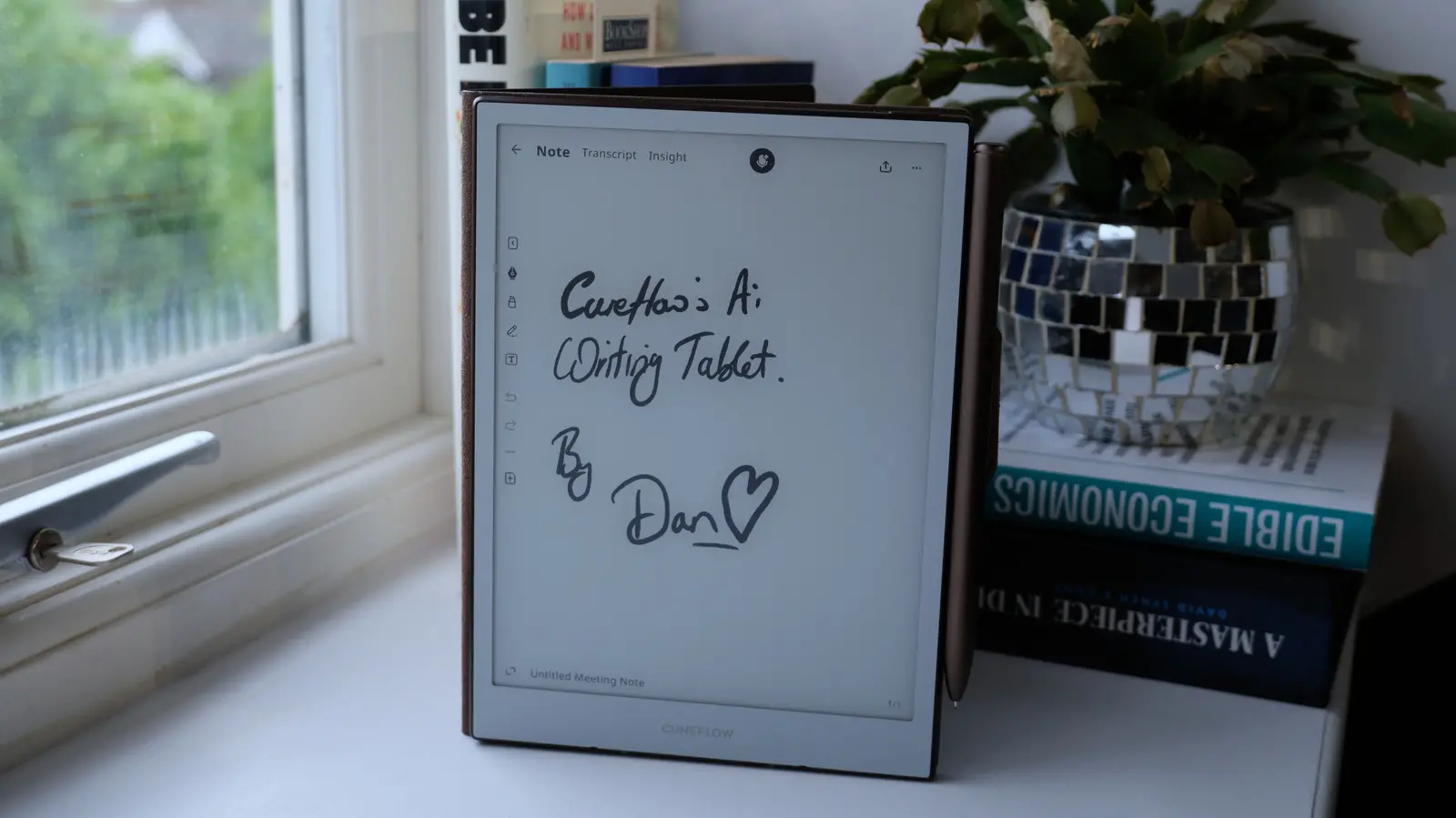
In the evolving landscape of digital note-taking, the tension between focused writing and smart assistance is a constant balancing act. Cuneflow, a new entrant in the e-paper tablet space, leans heavily into the latter, offering an 8.2-inch E Ink device that doubles as a meeting recorder and AI-powered transcription tool. The device positions itself as a direct counterpoint to reMarkable's analogue-first philosophy, aiming to automate the busywork of business meetings without sacrificing the tactile feel of pen on paper.
The Cuneflow tablet features an 8.2-inch E Ink Carta 1000 display with a resolution of 1,920 x 1,440 pixels, delivering crisp text and smooth grayscale rendering. It is powered by a 2 GHz dual-core ARM system-on-chip, paired with 4GB of RAM and 128GB of internal storage. A 2,450mAh battery provides an estimated 7–8 hours of continuous use, while a 24-level front light ensures the device can be used in dimly lit rooms. The aluminum unibody chassis weighs 230 grams (8.1 ounces), giving it a premium, slightly weightier feel than a typical Kindle.
The core differentiator is the integrated voice recorder. Users can tap a microphone icon on any notebook page to start capturing audio during meetings. The recording is streamed to the cloud, where it is processed using AI models from OpenAI and Google Gemini. Within a few minutes of stopping the recording, the device displays a full transcript alongside AI-generated insights: a summary of key points, a timeline of discussion topics, actionable to-do items, and even more sophisticated outputs like identified disagreements, questions raised, and potential risks. Crucially, Cuneflow emphasizes privacy: the raw audio is not stored permanently; after transcription, the audio is deleted, leaving only the AI-generated text and metadata.
In testing, the transcription proved reasonably accurate, handling standard business vocabulary well but occasionally stumbling on unusual company names or accents. For example, "Phoenix Corporation" was correctly identified once but rendered as "Felix Corporation" in a later instance. The device also offers an on-screen verification feature where users can tap on any insight to see which part of the transcript generated it, helping to catch any hallucinations. Transcripts can be edited after the fact, though the company acknowledges that corrections are best made while the meeting is still fresh in memory.
The writing experience itself is serviceable but not class-leading. Cuneflow uses a passive Wacom EMR stylus with a ceramic nib, which produces a scratchy, paper-like feel. The company does not include replacement nibs in the box, which is a notable omission given the wear such fine tips endure. The display is highly responsive, with no perceptible lag during handwriting, and the screen refreshes cleanly without the ghosting often seen on older e-readers. However, the user interface lacks the polish of more established competitors. The menu bar is sparse—only offering pen and highlighter tools—and adjusting pen weight requires swiping down from the top bezel to access a settings panel, which feels clumsy during focused note-taking.
One of the more frustrating limitations is the lack of integration between features. For instance, the AI-generated to-do list in the Insights tab appears with checkboxes, but those checkboxes cannot be interacted with—neither with the stylus nor with a finger. Similarly, text from the transcript or insights cannot be easily copied into the notebook canvas for annotation or highlighting. This disjointed experience extends to the desktop companion, Cunespace, where users can view meeting records but cannot mark to-do items as complete or edit transcript content. Essentially, any meaningful action on the data requires copying text out of Cunespace and into third-party applications like Notion, Asana, or Microsoft Word.
The device does support Bluetooth keyboard connectivity, but the implementation is half-baked. Typing is possible only within a text box that must be manually expanded; the box does not auto-grow as content is added. Worse, the display cannot be rotated to landscape orientation, making prolonged typing sessions uncomfortable. For a device that aspires to handle both note-taking and meeting documentation, these shortcomings are significant.
Cuneflow also lacks the robust third-party ecosystem of Android-based e-ink devices like the Onyx Boox series. Users cannot install additional productivity apps, meaning the device is limited to its native note-taking, file reading (PDF/EPUB), and AI transcription functions. Files are transferred via a web client, and syncing is automatic but not instantaneous. The company promises OTA firmware updates to address bugs and add features, but as a young startup with its first hardware, the long-term support remains uncertain.
Pricing has not been announced, though the company says it will fall within the "average market range" with early-bird discounts for Kickstarter backers. Industry observers speculate the price could land between $350 and $500, similar to reMarkable and Boox models. The campaign is expected to launch in mid-2026.
For business professionals who attend frequent meetings and value automated documentation, the Cuneflow offers a glimpse of a compelling workflow: write notes naturally while the AI captures the spoken word and distills it into actionable insights. Yet the current software feels unfinished, and the lack of cross-feature integration undermines the promise of a seamless productivity tool. The device's success will depend on how quickly the company can refine the user experience and bridge the gap between handwriting, transcription, and task management.
Source: Engadget News