

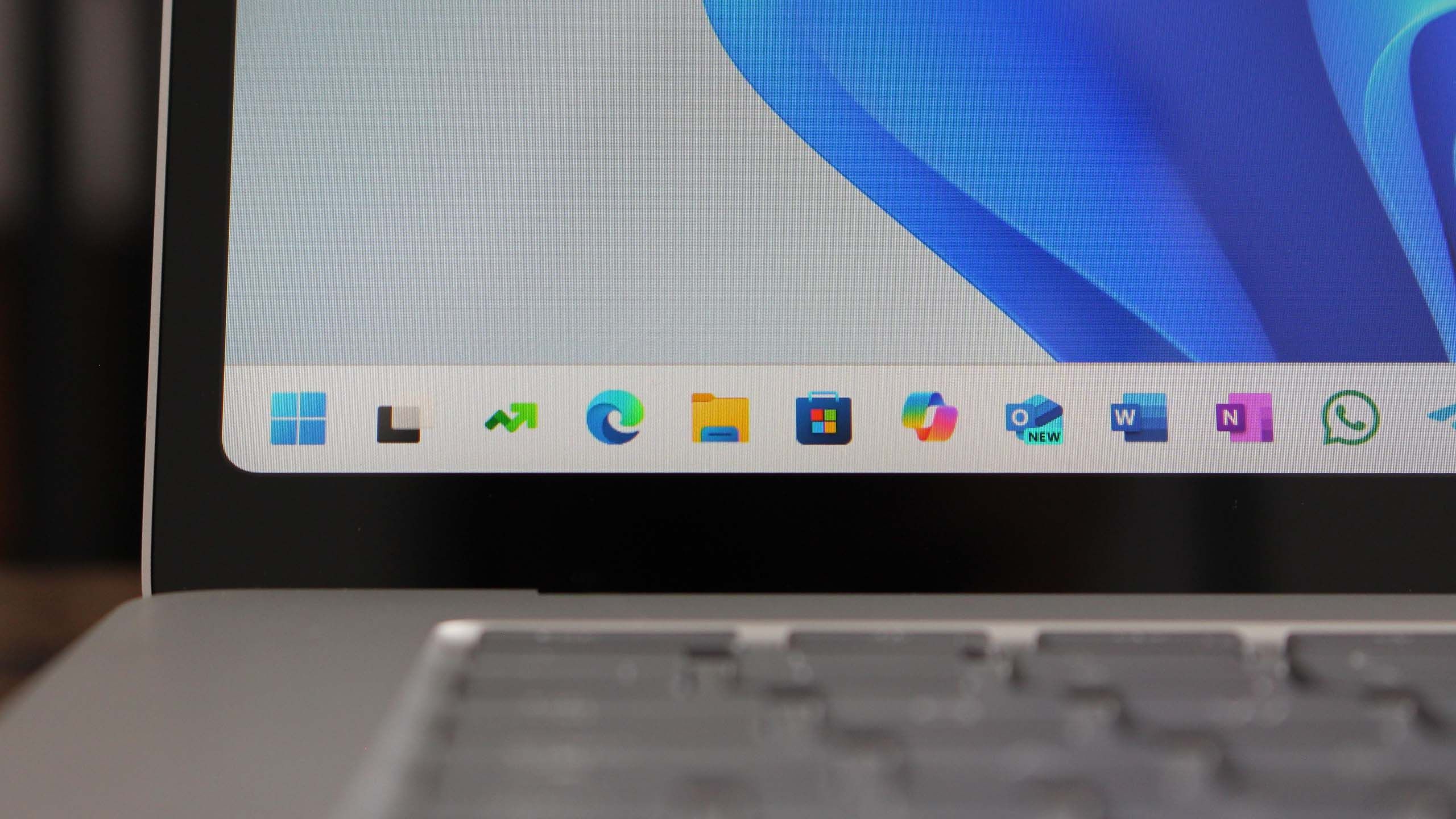
Introduction to Windows 11 Version 25H2
Microsoft has officially rolled out Windows 11 version 25H2, the latest update aimed at enhancing user experience with a variety of new features and improvements. This update focuses on performance, productivity, and security, making it a significant upgrade for users of the operating system.
Key Features of Windows 11 Version 25H2
The Windows 11 25H2 update introduces several noteworthy features:
- Revamped Settings Menu: The settings menu has been redesigned for easier navigation. Users will find grouped functionalities that streamline access to system preferences.
- Enhanced Multitasking: New features like Snap Layouts and Snap Groups have been improved, allowing users to organize their workspace more efficiently. This makes it easier to switch between tasks and manage open applications.
- Performance Improvements: Microsoft has optimized the OS for better performance on a wider range of devices. Users can expect faster boot times and improved responsiveness, especially on lower-end hardware.
- Security Enhancements: The update includes several security updates to protect users from vulnerabilities. Features such as Windows Hello and BitLocker have been refined for better data protection.
- New Widgets: The widget section has been expanded with more personalized content options, giving users quick access to news, weather, and calendar events.
Installation Process
Users can install the Windows 11 version 25H2 update through the Windows Update feature in the settings. It is recommended that users back up their important data before proceeding with the installation to avoid any potential loss during the update process.
Compatibility and System Requirements
Windows 11 version 25H2 maintains the same system requirements as its predecessor. Users should ensure their devices meet the following minimum specifications:
- 1 GHz or faster processor with at least two cores on a compatible 64-bit processor or system on a chip (SoC)
- 4 GB of RAM or more
- 64 GB or larger storage device
- UEFI firmware with Secure Boot capability
- TPM version 2.0
User Feedback and Reception
Initial feedback from users who have installed Windows 11 version 25H2 has been largely positive. Many have praised the performance improvements and the new features that enhance productivity. However, some users have reported issues with specific applications, which Microsoft is actively addressing through subsequent patches.
Conclusion
Overall, Windows 11 version 25H2 represents a significant step forward for Microsoft’s operating system. With its focus on user experience, performance, and security, it is a compelling update for both existing Windows users and those considering an upgrade. As always, users are encouraged to provide feedback to help Microsoft continue to improve the OS in future updates.
Source: Windows Central News