

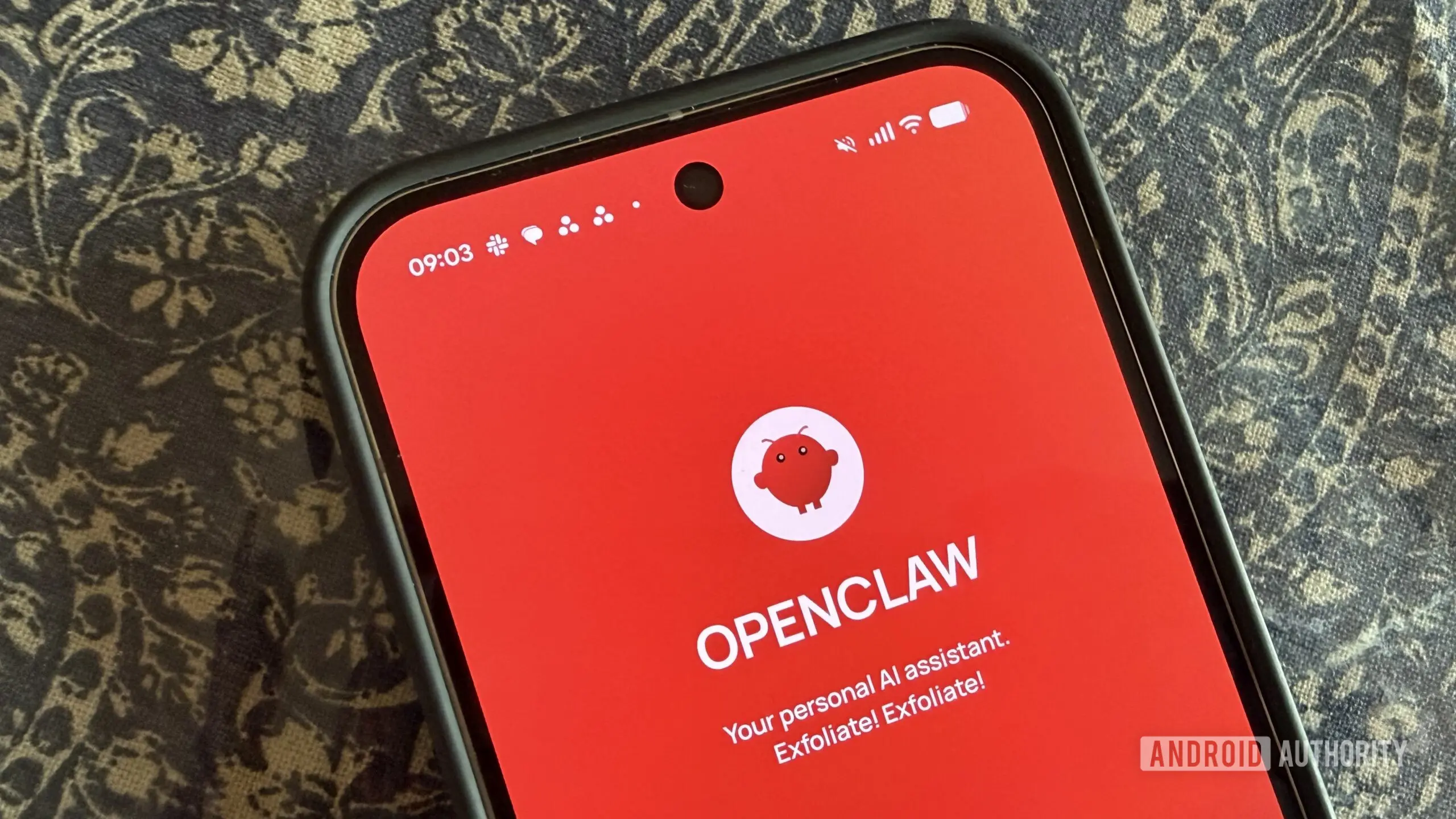
After months of anticipation, OpenClaw has officially launched its Android and iOS companion apps, giving users a native mobile interface to interact with their self-hosted AI assistant. Unfortunately, the debut has not met expectations, with early adopters criticizing the app's interface, setup process, and overall polish.
What is OpenClaw?
OpenClaw is an open-source, privacy-focused AI assistant that runs on your own hardware—whether a Raspberry Pi, a dedicated home server, or a cloud instance. It provides a gateway (called OpenClaw Gateway) that processes natural language requests, executes automations, and integrates with smart home devices. Unlike cloud-based solutions, all data remains local and under user control, with encryption keys managed by the owner. The project has gained traction among tech enthusiasts who value data sovereignty and customization. With the launch of official mobile apps, OpenClaw hoped to make its ecosystem more accessible to everyday users who primarily interact with AI via their phones.
The association with open-source principles means that anyone can inspect the code, contribute features, or deploy their own instance. This transparency is a stark contrast to proprietary assistants that often log conversations for advertising or training purposes. OpenClaw's architecture is built around privacy-first design: no telemetry is sent home by default, and all voice processing can be done locally using models like Whisper or Llama.
App Features and Permissions
The companion app, now available on Google Play and Apple App Store, offers several key features:
- Text chat with your OpenClaw assistant
- Talk mode with push-to-talk for voice interactions
- Review and approve actions requested by the Gateway (e.g., turning on lights, sending emails)
- Receive push notifications and status updates for workflows
- Optional access to phone camera, screen, location, and notifications for enhanced contextual assistance
OpenClaw emphasizes that the app is "local-first" and respects Android's permission system. Users remain in control of what data is shared, and the Gateway never sends sensitive information to external servers. The app also supports real-time communication via WebSockets, ensuring that interactions feel responsive even over slower network connections.
One notable feature is the ability to approve or deny actions that the Gateway initiates. For example, if a scheduled automation tries to unlock a door, the user receives a push notification and can authorize it from the app. This adds a layer of security and human oversight to automated workflows.
Community Response and Criticism
Hours after the announcement on social media, the OpenClaw community voiced strong disappointment. Users described the app as "unfinished," "raw," and "barely functional." Common issues include:
- Inability to pair with Gateway via QR code or setup code
- Chat functionality failing to load responses
- Talk mode not working or crashing
- Unresponsive UI and confusing navigation
Many commenters expressed hope that the app would improve quickly, but some warned that first impressions matter—especially for users new to self-hosted AI. One user wrote: 'Love the idea, but the execution is terrible. I can't even get past setup.' Another noted that the iOS version appears equally buggy. On the subreddit dedicated to OpenClaw, threads titled "App launch - a disappointment" have gained traction, with detailed bug reports and workarounds being shared.
Some users have managed to get the app working after extensive troubleshooting, but even they report a lack of polish. The interface is described as simplistic, with inconsistent iconography and text scaling issues. Compared to the web interface—which is functional and clean—the mobile app feels like an early prototype rather than a production release.
Why Polish Matters for Open Source AI
OpenClaw's rocky launch highlights a common challenge for open-source projects: building a polished mobile app requires significant resources. Unlike commercial entities with dedicated UX teams, open-source developers often rely on community contributions and volunteer effort. However, as AI assistants become mainstream, users expect a seamless experience comparable to that of Amazon Alexa or Google Assistant. A buggy app can undermine trust and slow adoption.
The local-first approach of OpenClaw offers undeniable privacy benefits—no data leaves your network, and you are not subject to corporate surveillance. But this advantage is lost if the app fails to deliver basic functionality. Developers must now address the reported issues urgently, perhaps by releasing a hotfix or providing detailed troubleshooting guides.
Furthermore, the timing of the launch is critical. Competing projects like Home Assistant have robust mobile apps that integrate with their own voice assistants and automations. OpenClaw needs to close the gap quickly to retain its niche audience and attract newcomers who may be evaluating multiple platforms.
Pairing and Network Considerations
One of the most common complaints is the pairing process. The app uses either a QR code displayed on the Gateway's web interface or a numeric setup code. Users report that scanning the QR code often results in a "connection timeout" error. This could be due to network segmentation (e.g., phone on cellular vs. local Wi-Fi) or firewall rules. The Gateway must be accessible from the mobile network, which may require port forwarding or VPN configuration—something not clearly explained in the app's documentation.
OpenClaw could improve this by offering a step-by-step wizard, testing connectivity before finalizing pairing, and providing error logs. Additionally, supporting local pairing via mDNS or Bluetooth would simplify setup for home users. For advanced users, a manual IP configuration option might bypass QR issues.
Another factor is the reliance on the Gateway's external reachability. If the Gateway is behind a NAT without a static IP or domain, remote access becomes difficult. OpenClaw could integrate with dynamic DNS services or provide a relay option (with end-to-end encryption) to ease remote connections.
What's Next for OpenClaw?
The development team has acknowledged feedback on social media and is likely working on updates. While no timeline has been announced, user suggestions include a UI overhaul, better error handling, and improved consistency between Android and iOS versions. The core concept—a self-hosted AI you control—remains compelling, and once the app matures, it could become a staple for privacy-conscious users.
In the meantime, early adopters may want to stick with the web interface or third-party clients that work with OpenClaw's API. The mobile app is still in its infancy, and given open-source history, rapid improvements are possible if the community rallies to contribute. The next few weeks will be crucial for OpenClaw to regain trust and demonstrate that its mobile experience can match its desktop counterpart.
Source: Android Authority News