

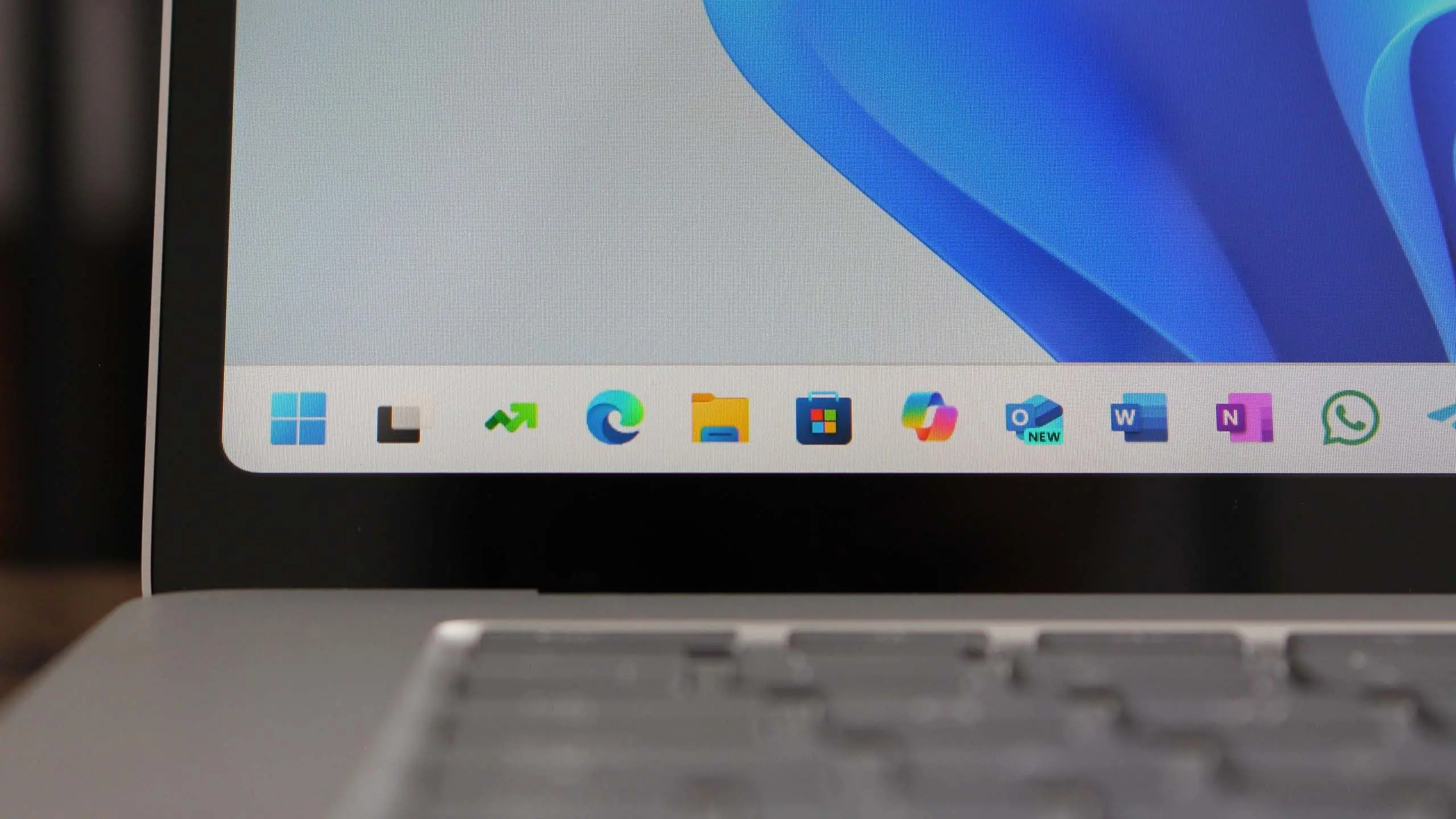
Windows 11 version 25H2 is Microsoft's 2025 feature update for its flagship desktop operating system, and it is a noticeably different kind of release from the ones that preceded it. Instead of a sweeping redesign wrapped in a multi-gigabyte download, 25H2 arrives as a comparatively small enablement package that switches on features already present in the servicing pipeline. The shift reflects how Microsoft has restructured Windows delivery over the past several years: fewer dramatic launches, more continuous improvement beneath the surface, and a much stronger emphasis on predictability for the organisations that manage thousands of PCs.
Key facts at a glance
- Delivery method: an enablement package layered on top of Windows 11 24H2, making the download dramatically smaller than a traditional feature update.
- Shared servicing branch: 25H2 and 24H2 sit on the same code base, so both receive identical monthly security and quality patches.
- Build lineage: preview builds distributed to Windows Insiders carried the 26200 series build number, building on the 26100 series used by 24H2.
- Headline changes: new management and policy controls, security hardening, expanded Wi-Fi 7 support, and a set of deliberate feature removals.
- Retired components: the legacy PowerShell 2.0 engine and the WMIC command-line tool are on the way out.
- Hardware baseline: the same requirements as 24H2, including TPM 2.0, Secure Boot capability and a supported 64-bit processor.
- Deployment channels: Windows Update, Windows Update for Business, WSUS, Intune and volume licensing media.
Why the enablement package approach matters
For most of Windows' history, a feature update meant a substantial download, a lengthy installation and a fresh round of compatibility testing. An enablement package short-circuits much of that. The underlying files are already staged on the device through routine servicing, and the package itself simply flips the relevant feature flags and advances the version number. The practical result is an update that installs in minutes rather than the better part of an hour, and one that carries a much lower risk of the driver and application breakage that has historically accompanied big version jumps.
For consumers, that means a quick restart and a returned desktop. For IT departments, it means a deployment they can schedule during a normal maintenance window instead of designing a project around it. Microsoft has leaned on this model before, and 25H2 confirms that the company now treats it as the default rather than the exception.
A shared servicing branch changes the calculus
The most consequential detail about 25H2 is not a feature at all. Because 24H2 and 25H2 share a servicing branch, Microsoft patches them with the same cumulative updates released on the same monthly cadence. The company does not have to maintain two parallel codebases, and administrators do not have to wonder whether a fix landed in one version but not the other.
This has a direct effect on how organisations should plan. Devices on 24H2 are already receiving the vast majority of the code that constitutes 25H2. Moving to 25H2 is therefore a matter of adopting the new version label and the policy changes attached to it, not of migrating to an unfamiliar platform. It also reduces the fragmentation that used to make large fleets difficult to support, since a mixed population of 24H2 and 25H2 machines is far easier to manage than a mixed population spanning several genuinely different builds.
Management, security and resilience improvements
The feature set in 25H2 leans heavily toward administration and security rather than consumer-facing novelty. Among the more notable additions is a new Group Policy setting that lets administrators remove default Microsoft Store packages from a system, giving IT teams a supported mechanism for stripping preinstalled applications instead of relying on scripting workarounds that could break with each release.
Security work continues along the lines Microsoft has been pursuing through its broader Windows resiliency efforts. Administrator Protection, a feature designed to let standard users perform administrative tasks through a separately authenticated, isolated context rather than blanket elevation, has been moving through preview. So have capabilities such as quick machine recovery, which targets the problem of devices that fail to boot after a bad update, and hotpatching, which allows certain security fixes to be applied without a restart. These are not headline-grabbing features, but they address the failure modes that cause the most disruption in real environments.
Wireless support also continues to mature. Wi-Fi 7 hardware, introduced with 24H2, remains supported and benefits from the ongoing driver and stack improvements that flow through the shared branch.
The AI layer keeps expanding
Microsoft's artificial intelligence strategy runs across the Windows release rather than being confined to a single version. Copilot+ PCs, which require a neural processing unit capable of at least 40 TOPS, continue to gain capabilities including Recall, Click to Do and improved natural-language search across files and settings. Because these features are delivered through a combination of the shared servicing branch and app-level updates, much of what ships alongside 25H2 will also reach eligible 24H2 devices. The version number, in other words, is a poor guide to which AI features a given machine has — the hardware inside it is the real determinant.
What is being removed or deprecated
Feature removals are often the items that generate the most support tickets, and 25H2 has a few worth flagging. The Windows PowerShell 2.0 engine, long obsolete and a known security liability because of its weaker logging and authentication behaviour, is being removed. Any script or installer that still invokes it with an explicit version flag will need to be updated. The Windows Management Instrumentation Command-line, better known as WMIC, is likewise being retired in favour of PowerShell's equivalent cmdlets; tools and documentation that depend on it should be rewritten before the removal becomes universal.
Other long-deprecated components continue their slow exit, and administrators are advised to audit dependencies rather than assume that a tool which has survived several releases will survive this one.
Who gets it, and when
Windows Insiders in the Dev Channel were the first to see 25H2 builds, which is consistent with Microsoft's practice of using that channel for platform-level work. Broader availability follows the familiar pattern: a phased rollout through Windows Update that initially targets devices Microsoft considers most likely to have a smooth experience, with the pace accelerating as telemetry comes in.
Organisations have more control. Windows Update for Business offers deferral and rollout-ring settings, while Intune and Group Policy allow administrators to hold devices on 24H2 while validation proceeds. WSUS and Configuration Manager remain supported paths for managed deployment, and volume licensing customers can obtain installation media for clean builds and imaging scenarios. Devices that are not being actively managed can be held back using the pause-updates option, though that is a temporary measure rather than a strategy.
The support clock and upgrade planning
Support lifecycles are the detail most often overlooked until it becomes urgent. Windows 11 Home and Pro releases receive 24 months of support, while Enterprise and Education editions receive 36 months. That means 24H2 devices on consumer or small-business editions reach the end of servicing in the autumn of 2026, with Enterprise and Education editions following a year later. Version 25H2, arriving roughly a year after 24H2, effectively resets that clock for anyone who moves across.
The practical implication is that there is no reason to treat the upgrade as an emergency, and equally no reason to ignore it indefinitely. Because the underlying platform is already largely in place, the work involved is primarily assessment: confirming that line-of-business applications, endpoint management tooling and any scripts that rely on deprecated components are ready.
What administrators should do now
The sensible sequence is straightforward. Start by inventorying dependencies on PowerShell 2.0 and WMIC, since those are the changes most likely to break silently. Review any Group Policy or Intune configuration profiles that touch Store app provisioning, and decide whether the new removal policy simplifies existing workarounds. Validate driver compatibility on your standard hardware models, particularly if you run specialised peripherals. Then use a pilot ring to move a small population to 25H2 and watch for anomalies before widening the rollout.
Consumers can take a simpler route: keep automatic updates enabled, confirm the machine meets the TPM 2.0 and Secure Boot requirements, and expect the installation to be brief. There is no need to seek out the update early, and no meaningful advantage to delaying it, since the monthly cumulative updates arrive either way.
The larger story here is about cadence rather than features. Windows 11 has settled into a rhythm where the version number changes annually but the platform underneath evolves continuously, delivered through the same servicing channel that handles routine patches. Version 25H2 is less a reinvention of Windows than a checkpoint on a road that Microsoft intends to keep travelling, and the organisations that plan accordingly will find the next several releases considerably less disruptive than the ones they remember.
Source: Windows Central News