

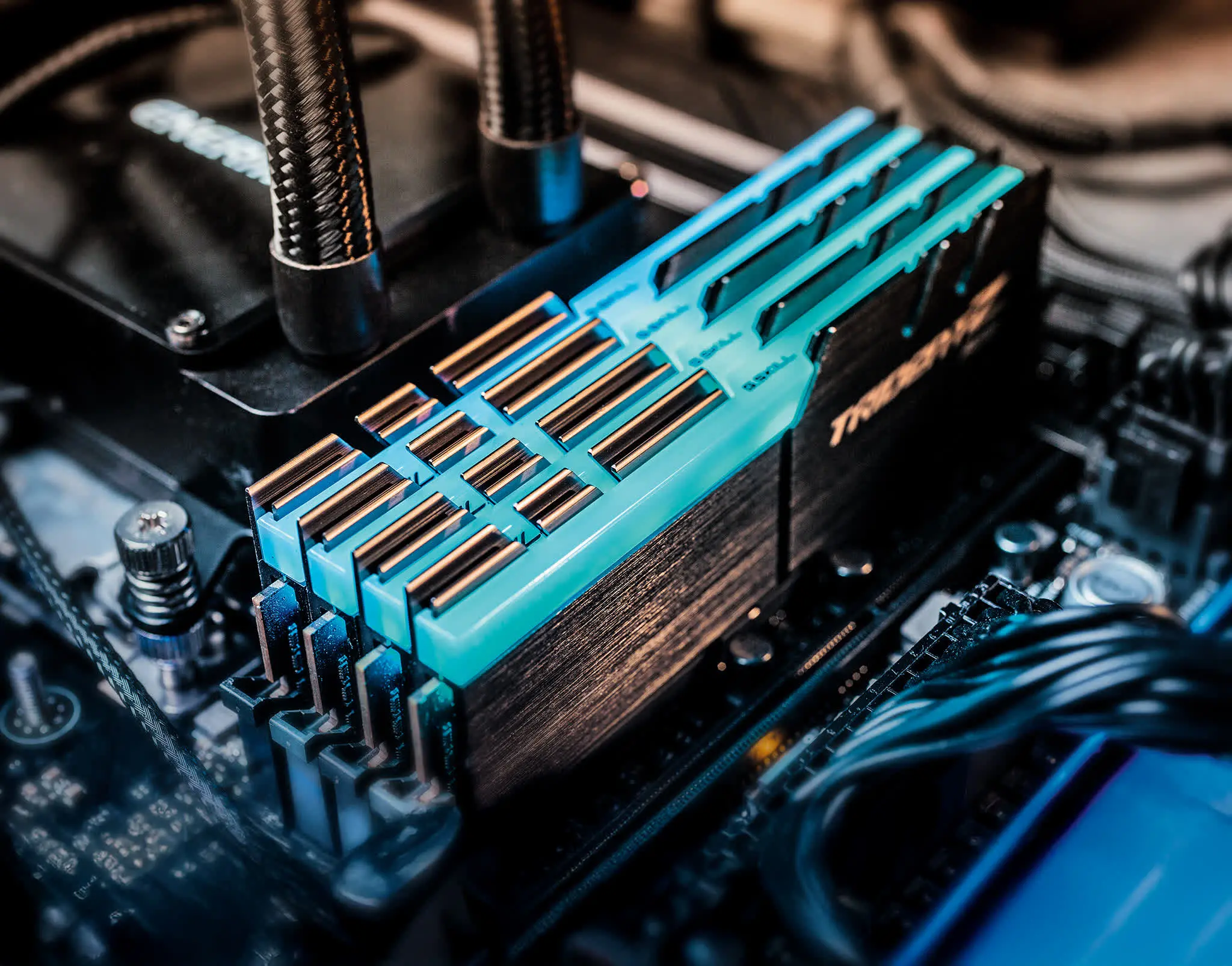
With DRAM prices still fluctuating and many gamers hesitant to invest in a brand-new 32GB DDR5 memory kit, the question of how much system memory you truly need has resurfaced. Consumers are wondering whether 16GB is still enough or if they should bite the bullet and upgrade. To answer this, we've conducted extensive testing using a real-world gaming system loaded with typical background applications and a three-year-old Windows installation. This approach gives us a realistic view of how modern games behave under different memory capacities.
Our test system is built around the Ryzen 7 9800X3D processor and the GeForce RTX 5090 graphics card. We used a single 64GB DDR5 memory kit and simulated lower capacities using MSConfig's maximum memory option. This method ensures identical memory timings, frequency, and ranks across all tests, eliminating variables that could skew results. All benchmarks were run at 4K resolution with maximum quality settings, unless otherwise noted. We also kept Chrome open with six tabs, Discord, and hardware monitoring tools running in the background to mimic a typical gaming session.
Benchmark Results
Arc Raiders
Arc Raiders is surprisingly playable with only 8GB of system memory, though minor stuttering occurs. However, 16GB proves to be the sweet spot for this title, delivering an optimal experience without any frame pacing issues. This shows that even a demanding new game can run well on modest hardware, but 8GB is clearly the minimum.
Battlefield 6
Battlefield 6 also runs reasonably well with 8GB, but it's a memory hog. In the 16GB configuration, the game uses around 11GB of DRAM, and that number jumps to 14GB when 64GB is available. If you're using a graphics card with less than 16GB of VRAM and playing on the Extreme preset, system memory usage will be heavily taxed. In this title, 16GB is sufficient, but more headroom helps.
Marvel Rivals
Marvel Rivals shows virtually identical performance when using 16GB, 32GB, or 64GB. Interestingly, the game uses up to 18GB of memory in higher-capacity configurations, but it offloads background data like Chrome tabs to the pagefile. This keeps the 16GB setup running smoothly. With only 8GB, however, the experience is poor, with frequent frame stutters that make the game nearly unplayable.
Borderlands 4
Borderlands 4 is another title that can consume up to 18GB of DRAM, yet 16GB still performs well, matching the frame rates of 32GB and 64GB configurations. The 8GB configuration suffers from terrible 1% lows due to inconsistent frame times, even though average frame rates look similar. For a smooth experience, 16GB is the recommended minimum here.
Mafia: The Old Country
Mafia: The Old Country is the first game we've tested where 16GB is not enough. This title requires around 20GB of system memory for smooth frame times. With 16GB, the experience is genuinely bad, and 8GB is completely non-viable. We recommend a 24GB or 32GB kit for this game, making it one of the most demanding titles in our suite.
Warhammer 40,000: Space Marine 2
At first glance, Space Marine 2 appears to run fine with 8GB, but the frame data is misleading. At this capacity, the game replaces high-resolution textures with low-resolution, muddy assets, so the image quality is severely compromised. For this title, 16GB is the true minimum. There is little to no difference between 16GB and 32GB, so this is yet another game that runs perfectly well with 16GB.
Black Myth: Wukong
Black Myth: Wukong runs perfectly fine with 16GB of DRAM, and we saw no performance improvements from moving to 32GB or 64GB. With 8GB, the game is technically playable but suffers from frequent frame time stuttering. While it's not completely broken, the experience is far from ideal. 16GB is strongly recommended for this title.
Stalker 2: Heart of Chornobyl
Stalker 2 shows peak memory usage of around 18GB in higher-capacity configurations, but the game runs identically with 16GB, 32GB, and 64GB. The 16GB setup delivers comparable average frame rates and 1% lows. Once again, only the 8GB configuration struggles, suffering from poor frame time consistency that detracts from the experience.
Clair Obscur: Expedition 33
Clair Obscur: Expedition 33 recommends 16GB of DRAM for an optimal experience. We observed a maximum usage of just 13GB during gameplay, so anything beyond 16GB is unnecessary. The game is technically playable with 8GB, but noticeable stuttering does occur. This is another title where 16GB is the clear sweet spot.
Cyberpunk 2077: Phantom Liberty (Ultra)
Cyberpunk 2077: Phantom Liberty only requires 16GB of DRAM, as memory usage never reached 15GB even when 64GB was available. As a result, the game was mostly playable with 8GB, though occasional frame pacing issues appeared. With 16GB, the experience is excellent, and there's no benefit to having more.
Cyberpunk 2077: Phantom Liberty (Medium)
Because frame rates on the Ultra preset at 4K were very low, we also tested the Medium preset to see if performance trends remain consistent. They do: 16GB works perfectly well, enabling full performance without frame time issues. The game is also playable with 8GB, but expect increased stuttering. These results reinforce that 16GB is the practical baseline for most games.
Doom: The Dark Ages
Doom: The Dark Ages runs perfectly well with 16GB of system memory, with peak usage of around 13.5GB. The 32GB and 64GB configurations offer no real advantage. However, 8GB is effectively a non-starter, as constant frame time issues make the game unpleasant to play. This is another title where 16GB is the minimum for a good experience.
Kingdom Come: Deliverance II
Kingdom Come: Deliverance II also runs well with 16GB, showing up to 13.5GB usage in higher-capacity configurations. The game is technically playable with 8GB, but frequent frame pacing issues significantly hurt the 1% lows. For a smooth experience, 16GB is strongly recommended.
The Outer Worlds 2
Even a newly released title like The Outer Worlds 2 runs perfectly well with 16GB of system memory. Although we saw usage peak at around 15.5GB in the 32GB and 64GB configurations, the game played without issue on a 16GB system. It was also playable for the most part with 8GB, though noticeable frame time issues persist.
Using a GPU with 8GB of VRAM
We also examined how a graphics card with just 8GB of VRAM affects system memory requirements. When using the RTX 5090 in Marvel Rivals, 16GB of system memory was more than sufficient, with 32GB being overkill. But that changes dramatically when you only have 8GB of VRAM. Game assets that would normally reside in local video memory are pushed into system memory instead, causing DRAM read bandwidth to increase by roughly 70%. With just 16GB of system memory, data gets offloaded to the pagefile, leading to terrible frame time performance. Meanwhile, 8GB of system memory becomes completely unworkable when paired with an 8GB GPU.
Even with 32GB of system memory, frame time issues aren't entirely eliminated, but performance improves dramatically. This means anyone using an 8GB GPU in modern games should ensure they have a surplus of high-speed system memory to help reduce severe frame pacing problems. The extra capacity allows assets spilling over the VRAM buffer to be stored in system memory rather than the pagefile, which is much slower.
8GB vs 16GB GPU VRAM on Spider-Man 2
We also compared the 8GB and 16GB versions of the Radeon RX 9060 XT in Spider-Man 2 with 16GB of system memory. The 16GB model delivered 35% higher average frame rates and a 70% improvement to 1% lows, resulting in far smoother performance. The 16GB version averaged just 15GB/s of DRAM read bandwidth, while the 8GB version was 73% higher at 26GB/s.
When increasing system memory to 32GB, the 16GB RX 9060 XT remains largely unchanged, but the 8GB model sees a 60% improvement to 1% lows, dramatically reducing stuttering. This improvement comes from the ability to store assets spilling over the 8GB VRAM buffer in system memory, consuming a total of 23GB – just over 30% more than the 16GB graphics card. These results highlight the importance of having enough system memory when your GPU VRAM is limited.
So How Much RAM Is Enough?
How much system memory you need for gaming depends on how much VRAM you have available. Those using cheaper 8GB graphics cards will typically require more system memory to avoid the worst effects of exceeding the VRAM buffer. However, if you have sufficient VRAM or can avoid running out, then most games will still run perfectly well with 16GB of system memory. It's also worth remembering that our testing was done on a well-maintained real production system, not a fresh Windows installation with nothing else installed.
In a normal market, we wouldn't steer anyone toward 16GB memory kits, especially DDR5. But due to current DRAM pricing, there is significant money to be saved by opting for 8GB modules instead of 16GB ones, making 16GB configurations worth considering for budget builds. DRAM price spikes aside, the ideal answer is still 32GB. This is the sweet spot for gamers: it provides enough capacity to ensure optimal performance across all titles and should continue to do so for the foreseeable future.
The silver lining for anyone upgrading today is that most games still run perfectly well with 16GB, particularly multiplayer titles with a lot of replayability. At the time of writing, two 8GB modules can be found for around $200, while a comparable 32GB kit sits closer to $350 – that's nearly twice the price. For higher-end builds, it generally makes sense to absorb the pain of current DRAM pricing and invest in a solid 32GB kit. For budget-focused builders looking to save as much money as possible, 16GB remains a perfectly viable option and a practical way to cut costs until the market stabilizes.
Source: TechSpot News