

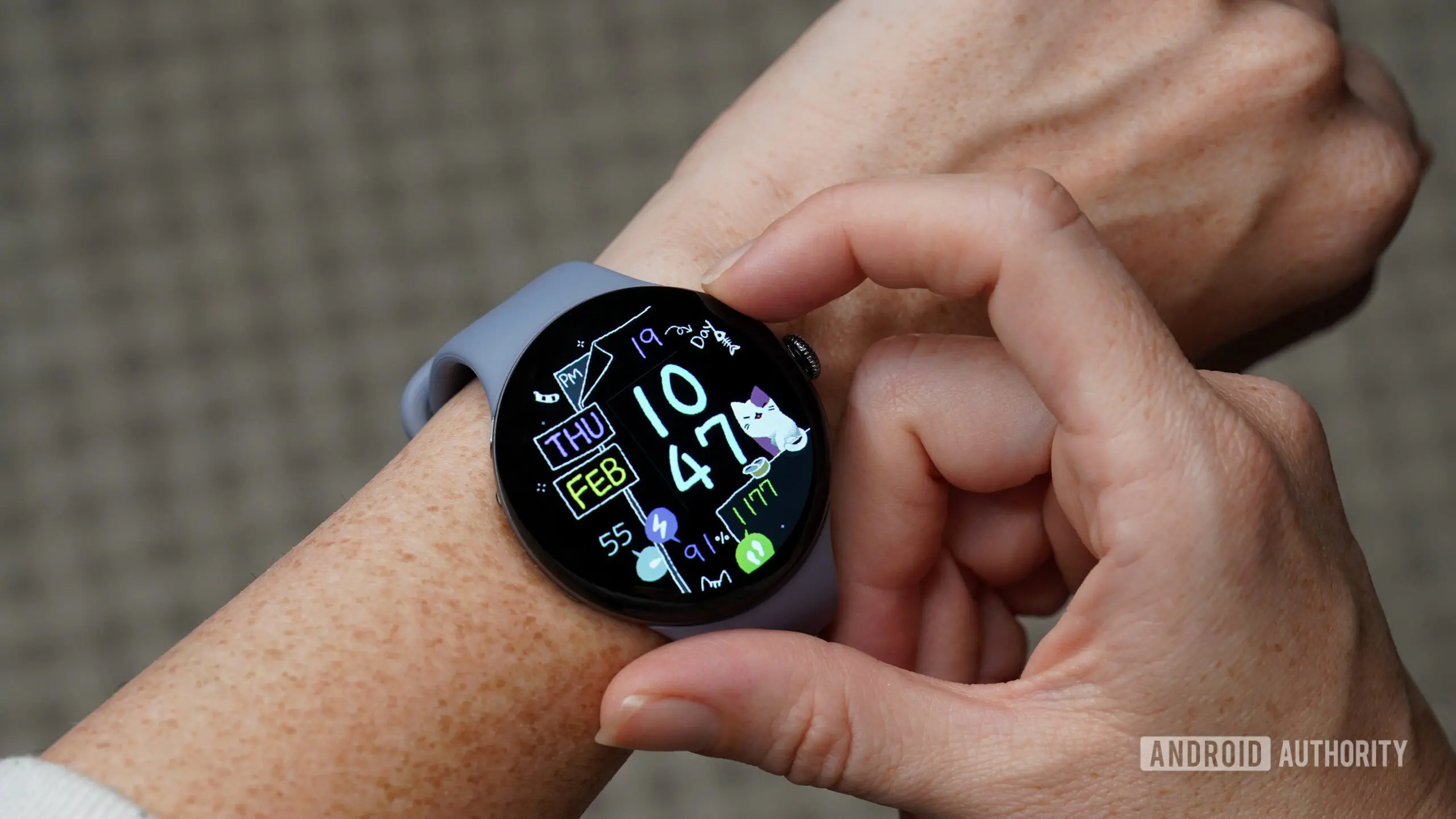
One of the most convenient features on a smartwatch is the ability to quickly locate a misplaced phone by making it ring. For Google Pixel Watch owners, this tool has been a lifesaver for years. But a recent software update has disrupted this functionality, leaving many users frustrated and searching for alternatives. Reports have emerged across online forums, particularly on Reddit, where owners of the Pixel Watch 3 and earlier models describe the Find My Phone feature suddenly ceasing to work after installing the latest firmware update.
The Problem: A Silent Phone Feature Gone Silent
According to multiple user accounts, the Find My Phone shortcut—typically accessible from the quick settings panel or via a dedicated complication—no longer triggers the phone to ring. Tapping the icon does nothing, and some users report that the watch app on their phone has become unstable, crashing on launch. This issue appears to be widespread and not limited to a specific Pixel Watch model or phone pairing, though most reports come from owners using a Pixel 10 or other recent Google smartphones.
The timing is particularly frustrating because the Pixel Watch ecosystem has been experiencing a spate of software-related problems in recent months. From battery drain to connectivity drops, the reliability of the watch has been called into question. This latest glitch with the Find My Phone feature only adds to the growing list of concerns.
A Temporary Workaround: Using Gemini Voice Commands
In the midst of the outcry, a clever workaround has surfaced. Several users discovered that asking Gemini directly on the watch—by saying something like "Hey Google, find my phone" or "ring my phone"—still triggers the ringing action. This suggests that the underlying functionality is intact, but the graphical user interface button may be broken due to a software bug.
The workaround has been tested by many and appears to work reliably. It requires the user to have Google Assistant or Gemini enabled on the watch, and the watch must be connected to the phone via Bluetooth or Wi-Fi. While not as convenient as a single tap, the voice command approach provides a temporary lifeline until an official fix arrives.
Google has acknowledged the issue via a Reddit post from the Pixel Watch team. They confirmed that they are aware of the problem and are actively developing a fix to be included in a future software update. They also pointed users to the Gemini workaround as a temporary measure. This official response has provided some reassurance to the community, but many are eager for a permanent solution.
Background: The Evolution of Find My Device Features on Wearables
The ability to locate a phone from a smartwatch is not unique to the Pixel Watch. It has been a staple of wearable technology since the early days of the Apple Watch and Android Wear (now Wear OS). The feature relies on a direct connection between the watch and the phone, usually via Bluetooth, and sends a command to play a loud ringtone even if the phone is set to silent. Over time, manufacturers have added refinements such as showing distance or directional arrows, but the core mechanic remains the same.
Google integrated this functionality into the Pixel Watch from its first generation, and it quickly became a favorite among users. The feature is especially useful in households where phones tend to disappear under cushions, blankets, or in other hard-to-find spots. The convenience of not having to ask someone else to call your phone or use a separate device cannot be overstated.
Given how deeply ingrained this feature is in daily use, its sudden failure has caused significant disruption. Some users have resorted to using third-party apps like "Find My Device" on the phone itself, but that defeats the purpose of having a wrist-worn shortcut.
Impact on User Experience and Trust
Beyond the immediate inconvenience, the repeated software issues erode trust in the Pixel Watch platform. The smartwatch market is competitive, with offerings from Samsung, Apple, Garmin, and others. Google has positioned the Pixel Watch as a premium companion for Android users, but reliability is key to retaining customer loyalty.
This particular bug also highlights the importance of thorough testing before rolling out updates. While many users appreciate new features and security patches, a regression in core functionality can be deeply frustrating. The fact that the issue was not caught during internal testing raises questions about the company's quality assurance processes.
On social media and forums, the tone ranges from annoyance to outright anger. Long-time Pixel Watch fans have expressed disappointment, and some are considering switching to alternative wearables. However, the swift acknowledgment from Google and the provision of a workaround may help mitigate the damage to brand reputation.
What Lies Ahead: The Expected Fix and Future Updates
Google has not provided a specific timeline for when the fix will be released, but based on past patterns, it could arrive in a minor update within the next few weeks. The company typically follows a monthly or bi-monthly update cycle for the Pixel Watch, so users may not have to wait long. In the meantime, the Gemini voice command workaround is the recommended method to locate a phone.
It is also possible that the bug is related to changes in the Wear OS system layer or the Google Home app integration. Some users have speculated that an update to the Watch app or the Find My Device service may have introduced the regression. Google's engineers are likely investigating the root cause to prevent similar issues in future releases.
For now, the best course of action for affected Pixel Watch owners is to ensure that both the watch and the phone are updated to the latest software versions, and to try the Gemini workaround if the standard button fails. Restarting devices and clearing the cache of the Watch app may also provide temporary relief for some users, though these steps have not been universally effective.
The importance of the Find My Phone feature cannot be understated. For many users, it is the primary reason they wear a smartwatch. Losing that capability, even temporarily, is a major inconvenience. Google's promise of a fix is welcome, but the company must work to restore confidence in its software update process.
As the wearable landscape evolves, features like phone-finding are becoming table stakes. The Pixel Watch has the potential to be a leader in the Android ecosystem, but only if Google can deliver a stable and reliable experience. This incident serves as a reminder that even the most beloved features can be undermined by software missteps.
Source: Android Authority News